| Summary: | Invisible mouse cursor in all wayland applications | ||
|---|---|---|---|
| Product: | [Plasma] kwin | Reporter: | step_riot325 |
| Component: | wayland-generic | Assignee: | KWin default assignee <kwin-bugs-null> |
| Status: | REPORTED --- | ||
| Severity: | normal | ||
| Priority: | NOR | ||
| Version First Reported In: | 6.5.5 | ||
| Target Milestone: | --- | ||
| Platform: | Other | ||
| OS: | Linux | ||
| Latest Commit: | Version Fixed/Implemented In: | ||
| Sentry Crash Report: | |||
|
Description
step_riot325
2026-02-12 20:50:41 UTC
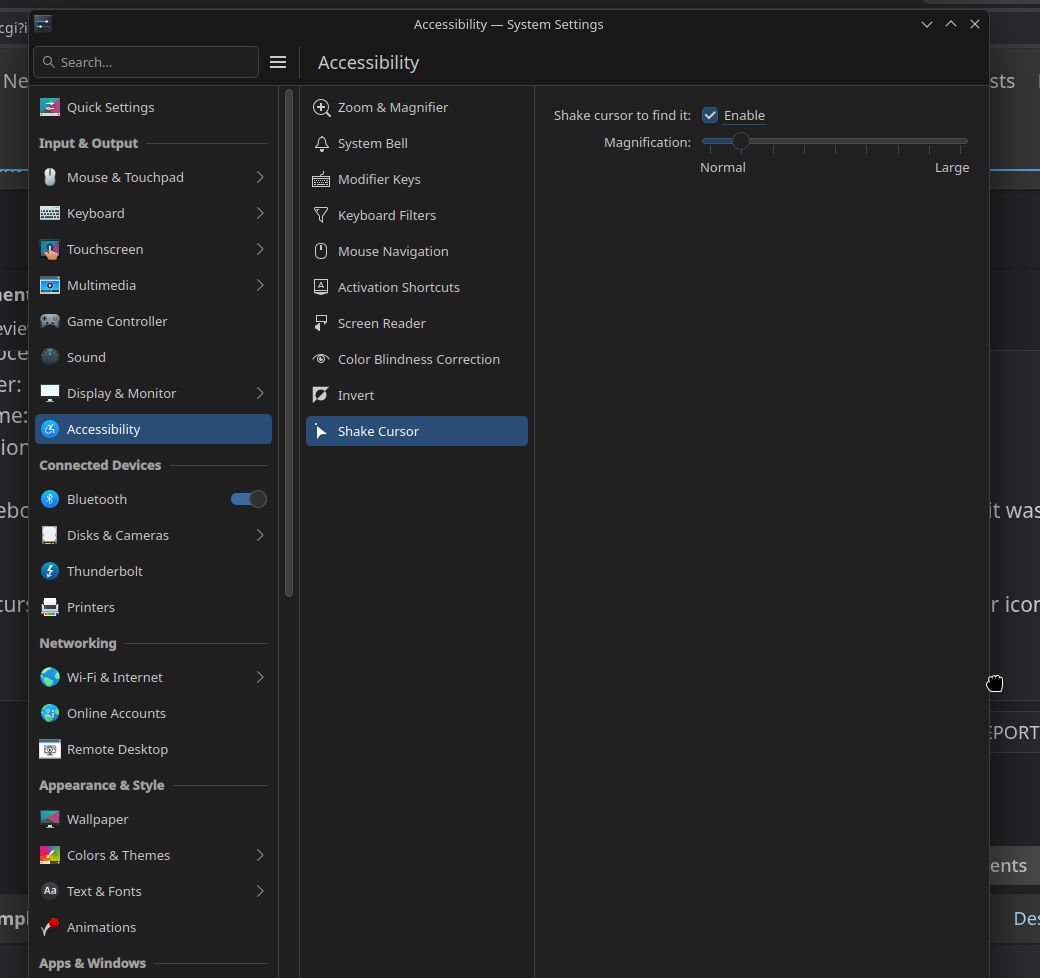
f(In reply to step_riot325 from comment #0) > SUMMARY > > My mouse cursor became invisible after rebooting my laptop, only working in > x11 applications. > > SOFTWARE/OS VERSIONS > > Operating System: Fedora Linux 43 > KDE Plasma Version: 6.5.5 > KDE Frameworks Version: 6.22.0 > Qt Version: 6.10.1 > Kernel Version: 6.18.9-200.fc43.x86_64 (64-bit) > Graphics Platform: Wayland > Processors: 4 × Intel® Core™ i3-10110U CPU @ 2.10GHz > Memory: 8 GiB of RAM (7.6 GiB usable) > Graphics Processor: Intel® UHD Graphics > Manufacturer: HP > Product Name: HP Laptop 15-dw1xxx > System Version: Type1ProductConfigId Also, before I rebooted my laptop, the cursor was stuck in a broken state. Instead of displaying the normal cursor icon, it was stuck in the grab state. After rebooting, I could only see the cursor when it was on the edge of a window or on top of the title bar, and it still displayed the grab cursor icon. like in this screenshot: https://files.catbox.moe/14x06r.png after looking up some logs I found this error: Feb 12 23:03:53 hp-laptop kwin_wayland[1500]: Failed to parse "/home/rob/.local/share/icons/breeze_cursors/cursors_scalable/default/metadata.json" The parse error happens when the metadata.json file is missing. After removing the breeze_cursors folder and rebooting, the mouse cursor started working again. |