| Summary: | [Feature Request] Allow action remapping for Mouse Forward and Back buttons | ||
|---|---|---|---|
| Product: | [Applications] Haruna | Reporter: | sadik ugursoy <sadikugursoy> |
| Component: | generic | Assignee: | george fb <georgefb899> |
| Status: | RESOLVED FIXED | ||
| Severity: | wishlist | CC: | ben2talk |
| Priority: | NOR | ||
| Version First Reported In: | 1.4.0 | ||
| Target Milestone: | --- | ||
| Platform: | Other | ||
| OS: | Linux | ||
| Latest Commit: | Version Fixed/Implemented In: | ||
| Sentry Crash Report: | |||
|
Description
sadik ugursoy
2025-06-22 18:07:21 UTC
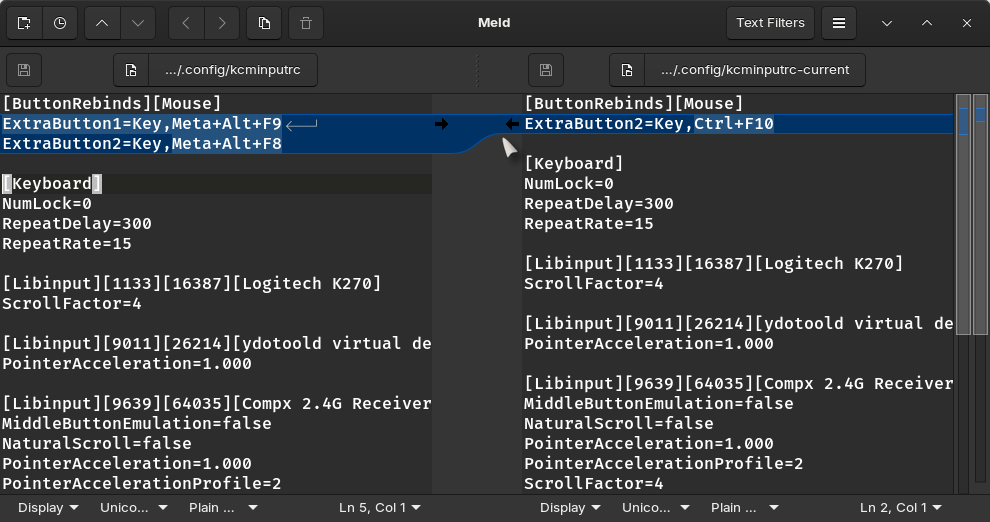
It SHOULD be possible to remap the Mouse buttons through the GUI (in Wayland) My system: ``` Operating System: Manjaro Linux KDE Plasma Version: 6.3.5 KDE Frameworks Version: 6.15.0 Qt Version: 6.9.1 Kernel Version: 6.15.3-1-MANJARO (64-bit) Graphics Platform: Wayland Processors: 12 × AMD Ryzen 5 5600G with Radeon Graphics Memory: 16.1 GB of RAM Graphics Processor: AMD Radeon Graphics Product Name: B550M Steel Legend ``` https://discuss.kde.org/t/changing-extra-mouse-buttons-no-longer-works/36203 https://discuss-cdn.kde.org/uploads/default/original/3X/f/b/fba5224447227aea0d568495f42faeba7e20f42b.png Basically, it was working fine until I deleted a mouse button (forward). It wasn't possible to re-add the key by clicking in the GUI (Wayland)... so I had to find and copy back kcminputrc from a snapshot. So is this the issue being mentioned here??? 1. Open the menu, type and open 'mouse' 2. Top right corner, click on 'configure extra mouse buttons'. 3. If none are shown, then attempt to <kbd>+ Add Binding</kbd> 4. If some are shown, delete one, and go back to 3. Result - cannot ADD new bindings via GUI, but can delete current ones. No this is a separate issue. The Extra Mouse binding in that menu is indeed broken, but I am talking about Haruna's action mapping menu. In Haruna, you can remap Left/Middle/Right and their double clicks to different actions defined in Haruna. But no Forward/Back buttons are there (the ones that allows us to go forward and backward in web pages and file explorers). I do not want to add a global shortcut to those keys, I only want their behavior changing inside Haruna (to Seek forward/backward for example). I already filed a merge request for this feature, since I found it easy enough to implement. |