| Summary: | window position rule (detection) operates on window, should likely be decorated client only | ||
|---|---|---|---|
| Product: | [Plasma] kwin | Reporter: | bugs5.kde.org |
| Component: | rules | Assignee: | KWin default assignee <kwin-bugs-null> |
| Status: | RESOLVED UNMAINTAINED | ||
| Severity: | normal | ||
| Priority: | NOR | ||
| Version First Reported In: | 5.3.0 | ||
| Target Milestone: | --- | ||
| Platform: | Ubuntu | ||
| OS: | Linux | ||
| Latest Commit: | Version Fixed/Implemented In: | ||
| Sentry Crash Report: | |||
|
Description
bugs5.kde.org
2015-04-24 10:37:09 UTC
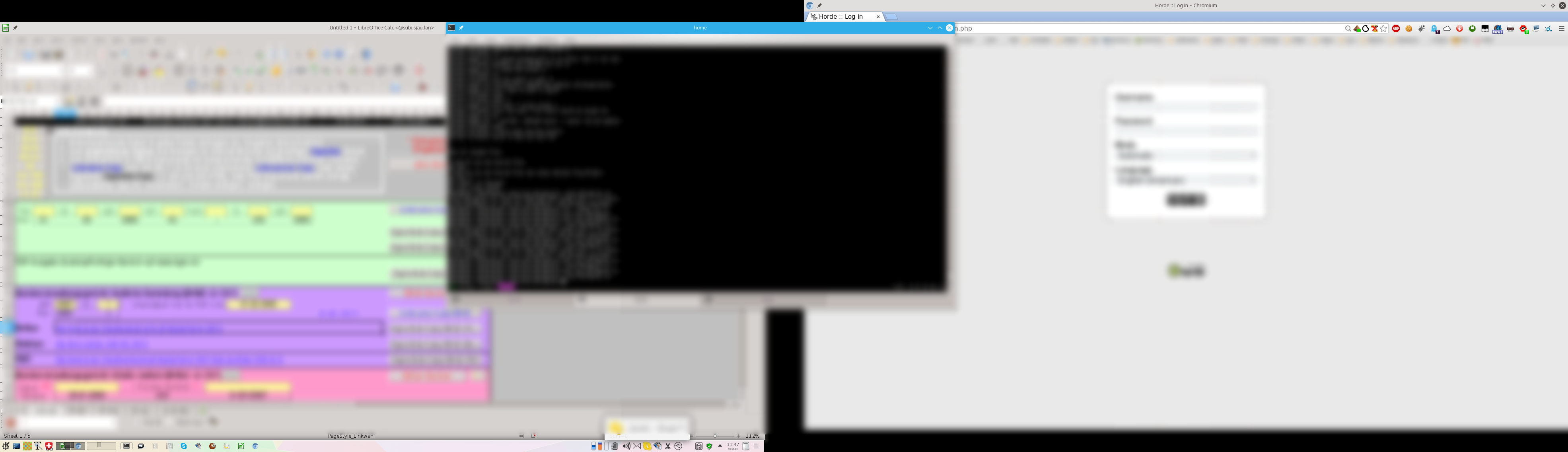
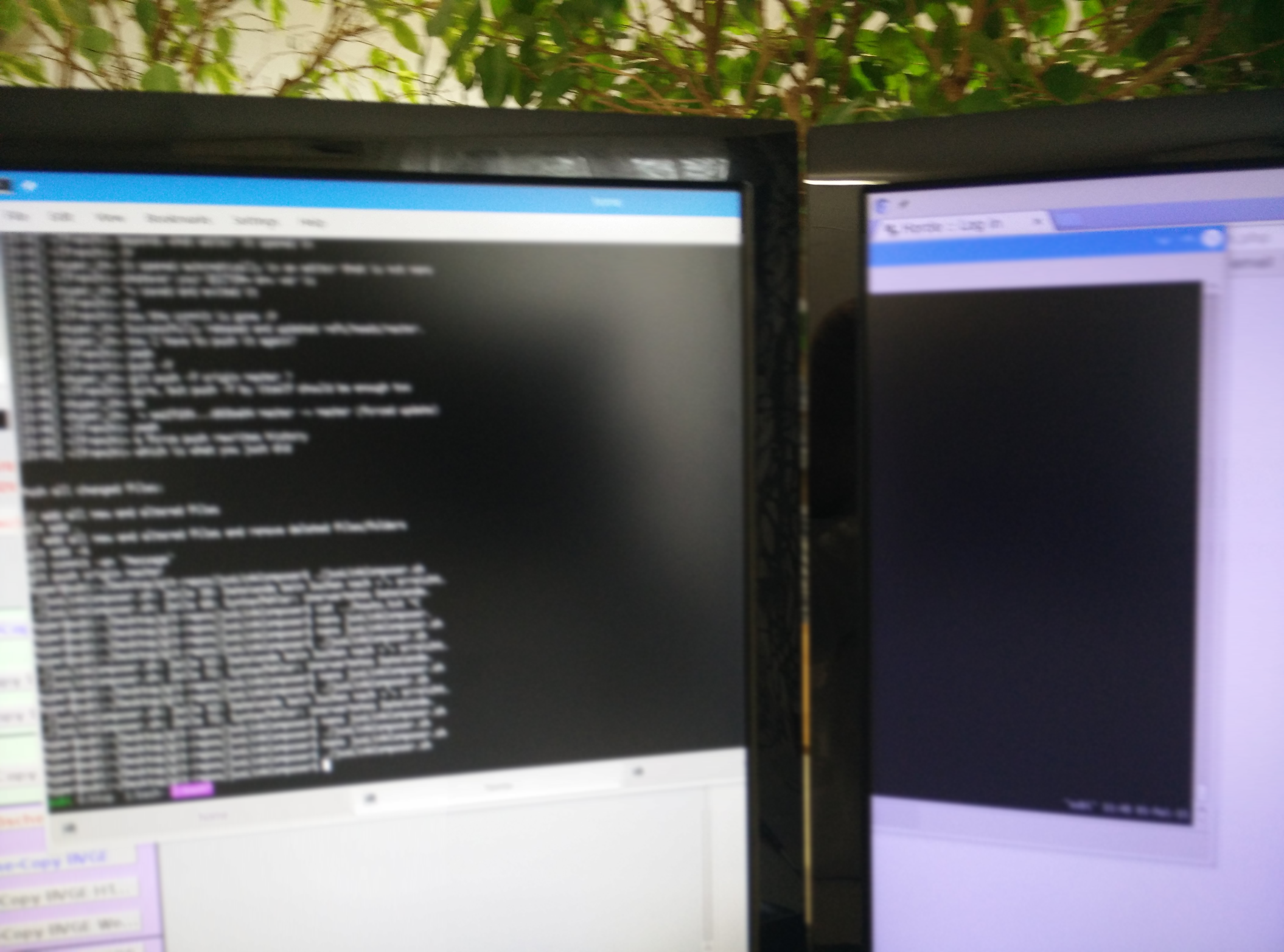
The "-4" is because the window snapped to the content (the frame is outside) The rule should always rather map the window to the content and put the decoration around (iirc it even does, then just the current position determination would be wrong) The 56px vertical offset is a bit odd, though. If this is still the case, please post the output of xrandr -q xrandr -q Screen 0: minimum 8 x 8, current 3982 x 1080, maximum 32767 x 32767 eDP1 connected (normal left inverted right x axis y axis) 1366x768 60.0 + 40.0 1360x768 59.8 60.0 1024x768 60.0 800x600 60.3 56.2 640x480 59.9 DP1 connected 1920x1080+0+0 (normal left inverted right x axis y axis) 521mm x 293mm 1920x1080 60.0*+ 1680x1050 60.0 1280x1024 75.0 60.0 1440x900 59.9 1280x960 60.0 1280x800 59.8 1152x864 75.0 1280x720 60.0 1024x768 75.1 70.1 60.0 832x624 74.6 800x600 72.2 75.0 60.3 56.2 640x480 75.0 66.7 60.0 720x400 70.1 HDMI1 connected 1920x1080+2062+0 (normal left inverted right x axis y axis) 521mm x 293mm 1920x1080 60.0*+ 50.0 59.9 1920x1080i 60.1 50.0 60.0 1680x1050 59.9 1280x1024 75.0 60.0 1440x900 59.9 1280x960 60.0 1280x800 59.9 1152x864 75.0 1280x720 60.0 50.0 59.9 1440x576 50.0 1024x768 75.1 70.1 60.0 1440x480 60.0 59.9 832x624 74.6 800x600 72.2 75.0 60.3 56.2 720x576 50.0 720x480 60.0 59.9 640x480 75.0 66.7 60.0 59.9 720x400 70.1 HDMI2 disconnected (normal left inverted right x axis y axis) VIRTUAL1 disconnected (normal left inverted right x axis y axis) That doesn't explain the vertical offset. Can you please move the window to the top left corner and dump xwininfo -wm -stats on it (run from konsole, the cursor turns into a '+', then click anywhere on the window) Do you have a panel on top of the screen? which window? The one you moved to the top left corner to set "special window settings". Whether that's dolphin, konsole or kwrite doesn't matter (just ensure it has a titlebar and stuff) As mentioned: I can explain (and reproduce) the horizontal offset, but have no idea whatsoever might cause the vertical offset (by 56px) hyper@subi:~$ xwininfo -wm -stats
xwininfo: Please select the window about which you
would like information by clicking the
mouse in that window.
xwininfo: Window id: 0x5e00007 "#konversation — Konversation"
Absolute upper-left X: 4
Absolute upper-left Y: 29
Relative upper-left X: 0
Relative upper-left Y: 0
Width: 1040
Height: 336
Depth: 24
Visual: 0x9c
Visual Class: TrueColor
Border width: 0
Class: InputOutput
Colormap: 0x5e00006 (not installed)
Bit Gravity State: ForgetGravity
Window Gravity State: NorthWestGravity
Backing Store State: NotUseful
Save Under State: no
Map State: IsViewable
Override Redirect State: no
Corners: +4+29 -2796+29 -2796-715 +4-715
-geometry 1040x336+4+29
Window manager hints:
Client accepts input or input focus: Yes
Initial state is Normal State
Displayed on desktop 0
Window type:
Normal
Process id: 3401
Frame extents: 4, 4, 29, 4
  Corners:  +4+29  -2796+29  -2796-715  +4-715
  -geometry 1040x336+4+29

      Frame extents: 4, 4, 29, 4

That looks really odd - like the window wasn't redirected (eg. because you're using Sawfish ;-)
It has a 4px frame and a (totally) 29px titlebar and the window is positioned at 4x29

geometry *should* be 1040x336+0+0 for those corners and extents.

Next request would be for the output of
   qdbus org.kde.KWin /KWin supportInformation

(it doesn't matter whether or where any window is positioned for this)
qdbus org.kde.KWin /KWin supportInformation KWin Support Information: The following information should be used when requesting support on e.g. http://forum.kde.org. It provides information about the currently running instance, which options are used, what OpenGL driver and which effects are running. Please post the information provided underneath this introductory text to a paste bin service like http://paste.kde.org instead of pasting into support threads. ========================== Version ======= KWin version: 5.3.0 Qt Version: 5.4.1 Qt compile version: 5.4.1 XCB compile version: 1.10 Operation Mode: X11 only Build Options ============= KWIN_BUILD_DECORATIONS: yes KWIN_BUILD_TABBOX: yes KWIN_BUILD_ACTIVITIES: yes HAVE_WAYLAND: yes HAVE_WAYLAND_EGL: yes HAVE_WAYLAND_CURSOR: yes HAVE_XKB: yes HAVE_INPUT: yes HAVE_XCB_CURSOR: yes HAVE_XCB_SYNC: yes HAVE_X11_XCB: yes X11 === Vendor: The X.Org Foundation Vendor Release: 11701000 Protocol Version/Revision: 11/0 SHAPE: yes; Version: 0x11 RANDR: yes; Version: 0x14 DAMAGE: yes; Version: 0x11 Composite: yes; Version: 0x4 RENDER: yes; Version: 0xb XFIXES: yes; Version: 0x50 SYNC: yes; Version: 0x31 GLX: yes; Version: 0x0 Decoration ========== Plugin: org.kde.breeze Theme: Blur: 0 onAllDesktopsAvailable: true alphaChannelSupported: true closeOnDoubleClickOnMenu: false decorationButtonsLeft: 0, 2 decorationButtonsRight: 6, 3, 4, 5 borderSize: 3 gridUnit: 10 font: Oxygen-Sans,10,-1,0,50,0,0,0,0,0 smallSpacing: 2 largeSpacing: 10 Options ======= focusPolicy: 0 nextFocusPrefersMouse: false clickRaise: true autoRaise: false autoRaiseInterval: 0 delayFocusInterval: 0 shadeHover: false shadeHoverInterval: 250 separateScreenFocus: false placement: 4 focusPolicyIsReasonable: true borderSnapZone: 10 windowSnapZone: 10 centerSnapZone: 0 snapOnlyWhenOverlapping: false rollOverDesktops: true focusStealingPreventionLevel: 1 legacyFullscreenSupport: false operationTitlebarDblClick: 5000 operationMaxButtonLeftClick: 5000 operationMaxButtonMiddleClick: 5015 operationMaxButtonRightClick: 5014 commandActiveTitlebar1: 0 commandActiveTitlebar2: 30 commandActiveTitlebar3: 2 commandInactiveTitlebar1: 4 commandInactiveTitlebar2: 30 commandInactiveTitlebar3: 2 commandWindow1: 7 commandWindow2: 8 commandWindow3: 8 commandWindowWheel: 31 commandAll1: 10 commandAll2: 3 commandAll3: 14 keyCmdAllModKey: 16777251 showGeometryTip: false condensedTitle: false electricBorderMaximize: false electricBorderTiling: false electricBorderCornerRatio: 0.25 borderlessMaximizedWindows: false killPingTimeout: 5000 hideUtilityWindowsForInactive: true inactiveTabsSkipTaskbar: false autogroupSimilarWindows: false autogroupInForeground: true compositingMode: 1 useCompositing: true compositingInitialized: true hiddenPreviews: 1 unredirectFullscreen: false glSmoothScale: 2 colorCorrected: false xrenderSmoothScale: false maxFpsInterval: 16666666 refreshRate: 0 vBlankTime: 6000000 glStrictBinding: true glStrictBindingFollowsDriver: true glCoreProfile: false glPreferBufferSwap: 101 glPlatformInterface: 1 Screen Edges ============ desktopSwitching: false desktopSwitchingMovingClients: false cursorPushBackDistance: 1x1 timeThreshold: 150 reActivateThreshold: 350 actionTopLeft: 0 actionTop: 0 actionTopRight: 0 actionRight: 0 actionBottomRight: 0 actionBottom: 0 actionBottomLeft: 0 actionLeft: 0 Screens ======= Multi-Head: no Active screen follows mouse: no Number of Screens: 2 Screen 0 Geometry: 0,0,1920x1080 Screen 1 Geometry: 1920,0,1920x1080 Compositing =========== Compositing is active Compositing Type: OpenGL OpenGL vendor string: Intel Open Source Technology Center OpenGL renderer string: Mesa DRI Intel(R) Haswell Mobile OpenGL version string: 3.0 Mesa 10.5.2 OpenGL platform interface: GLX OpenGL shading language version string: 1.30 Driver: Intel GPU class: Haswell OpenGL version: 3.0 GLSL version: 1.30 Mesa version: 10.5.2 X server version: 1.17.1 Linux kernel version: 3.19 Direct rendering: Requires strict binding: yes GLSL shaders: yes Texture NPOT support: yes Virtual Machine: no OpenGL 2 Shaders are used Painting blocks for vertical retrace: no Loaded Effects: --------------- kwin4_effect_login slide screenshot kwin4_effect_maximize kwin4_effect_dialogparent highlightwindow contrast logout dashboard startupfeedback kscreen Currently Active Effects: ------------------------- contrast Effect Settings: ---------------- kwin4_effect_login: slide: screenshot: kwin4_effect_maximize: kwin4_effect_dialogparent: highlightwindow: contrast: logout: useBlur: true dashboard: brightness: 0.5 saturation: 0.5 blur: false startupfeedback: type: 1 kscreen: Also, I still think the 4px are odd. If I place a window into the upper left corner and it snaps there, then I expect it to start at 0,0 As mentioned: the corners and extents don't sum up correctly in the geometry value - that should say +0+0 Nothing of the provided data explains the measured 58px vertical offset, though. a) Is that a rule controlled window? (In case, please check another - just to be sure) b) Does this also happen with a single screen setup? (Just a *very* remote guess, the xrandr output looks sane) yes, rule controlled.... I placed konvi on top left corner, then created a rule, used the "detect properties" button and it then I set to apply initially position and size and that's when I noticed that there's this offset. I can try on single window but not today. Ok, today I just noticed something: When I move a window accros both screens, then you see a clear break in the vertical offset. However if you take a screenshot it's all perfectly aligned, except there is "black space" for the offset. Screenshot: http://images.sjau.ch/img/493b8c0f.png : one the left you have this black space on top, on the right on the bottom and the Konsole Window is veritcally all fine Photo: http://images.sjau.ch/img/a6c762ef.png There's no black offset on either screen but Konsole Window has a clear break. Now it gets even stranger... at home, same monitor models.... when I make a screen shot it's all perfectly aligned and same when I drag windows accross the screens... The screenshot looks like the outputs are shifted against each other by ~55px and set apart horizontally by ~100px. xrandr should report a combined height of ~1135px and width of 3940px... Is the behavior the same when you suspend the compositor (SHIFT+Alt+F12)? one mystery solved. At work the monitors in the system setttings weren't properly aligned. Thank you for the bug report. As this report hasn't seen any changes in 5 years or more, we ask if you can please confirm that the issue still persists. If this bug is no longer persisting or relevant please change the status to resolved. This bug was reported against an outdated version of KWin. We have made many changes since the. If the issue persists in newer versions can you reopen the bug report updating the version number. |